User Profile
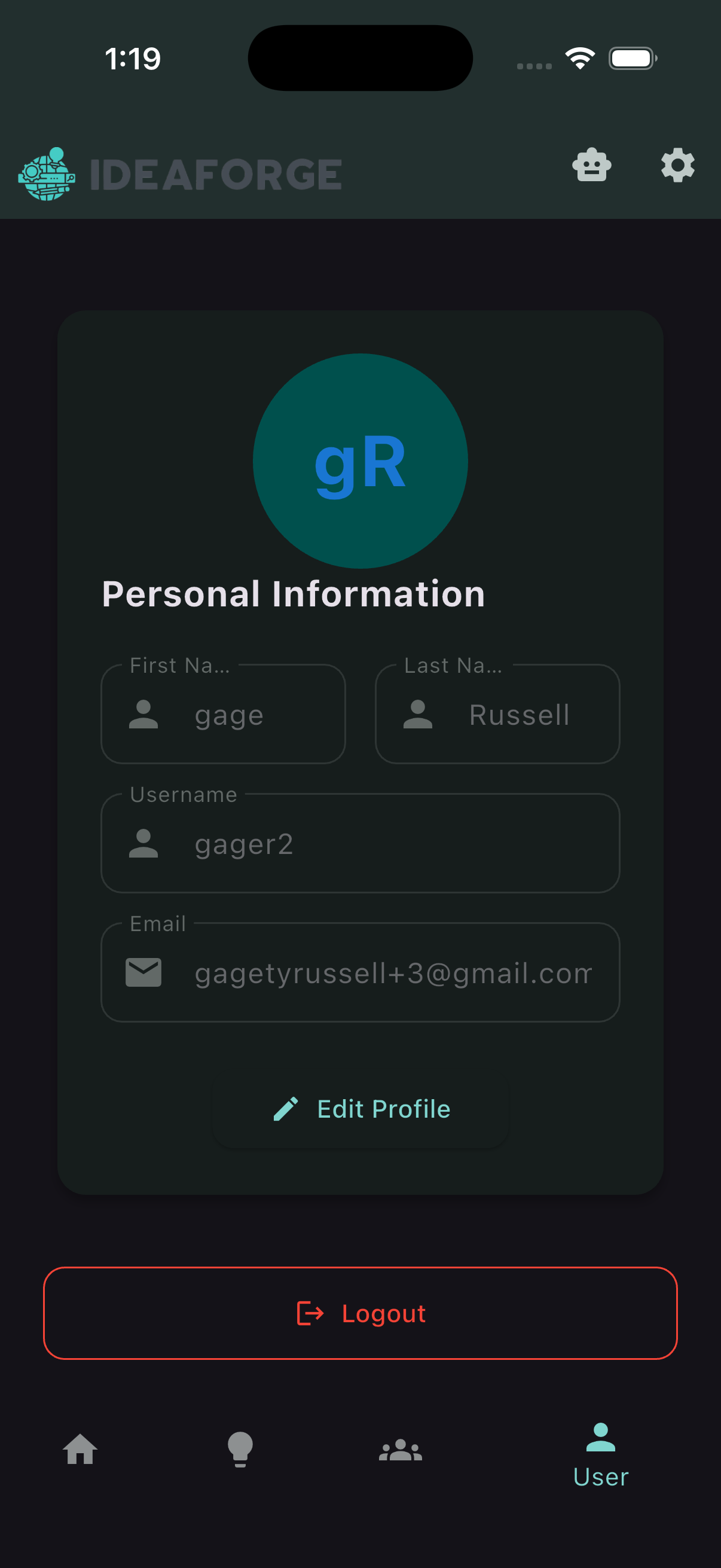
Find your profile from the bottom navigation, update your details, and log out when you’re done.
Open your profile
Use the bottom navigation to open the User tab. This shows your profile and account‑related actions.
Edit your profile
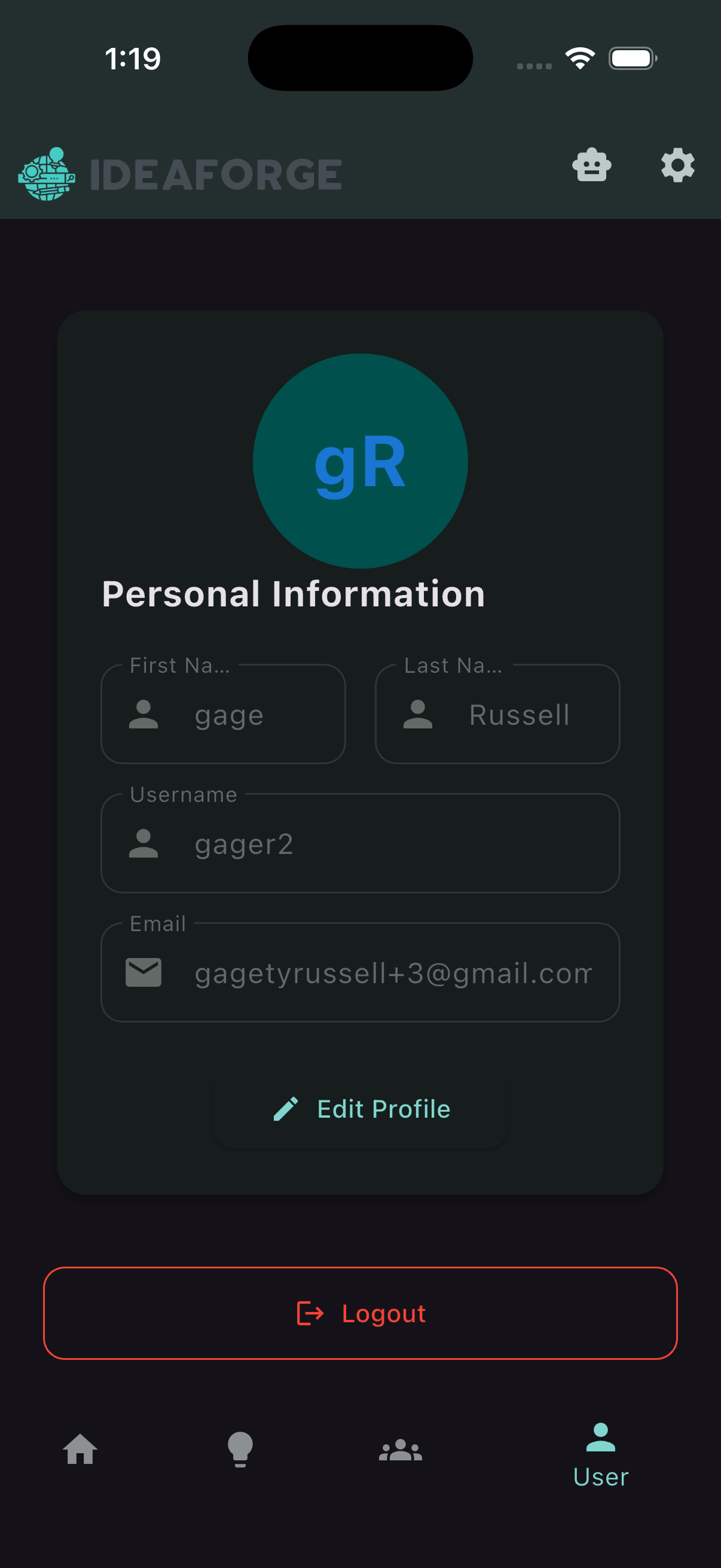
Update your name or other profile details. Changes are saved to your account.
Log out
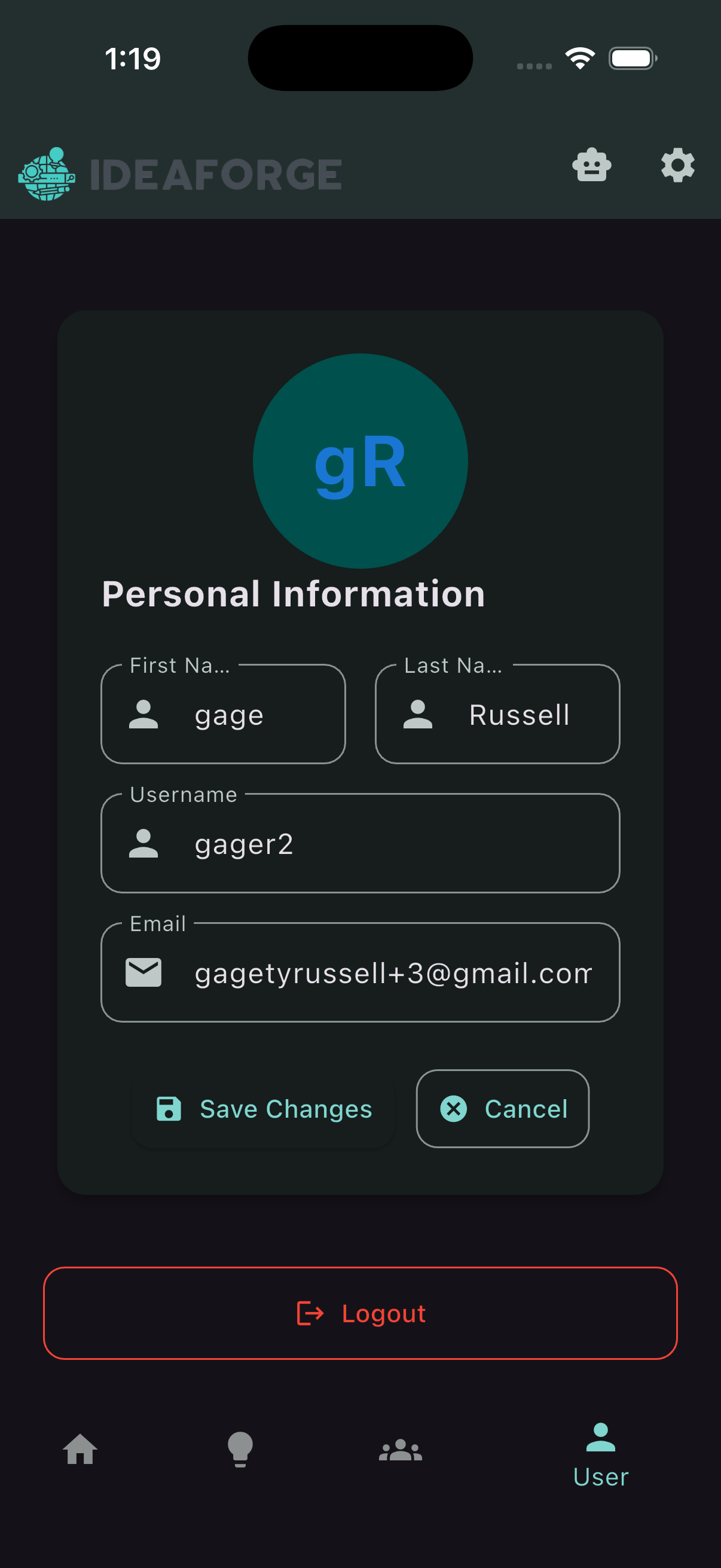
From the profile screen, choose Log out to securely sign out of the app.