Login & Registration
Get set up quickly: sign in or create an account, verify your email, and recover access if you forget your password.
Sign in
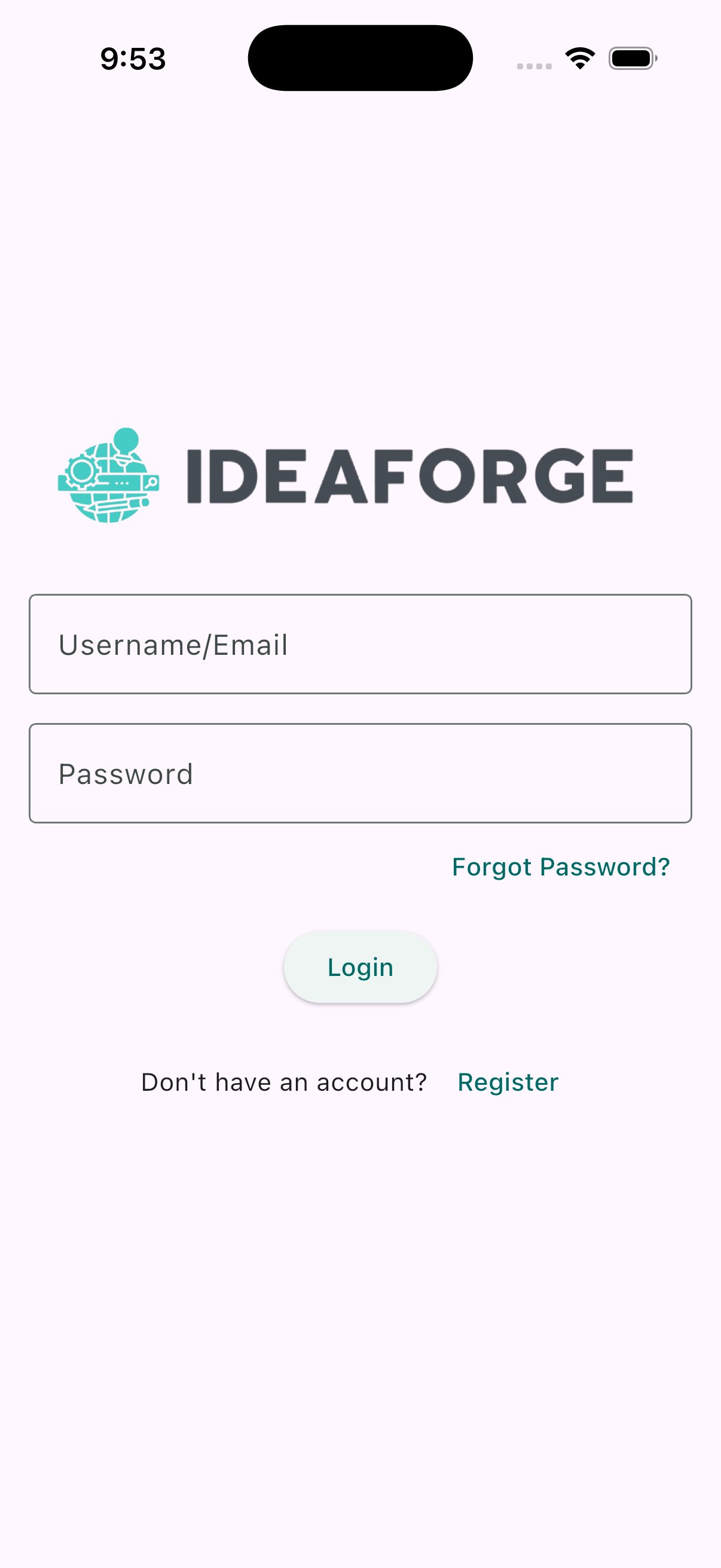
On the sign-in screen, enter your email and password to access your account. If you don’t have an account yet, tap Register to create one.
Register a new account
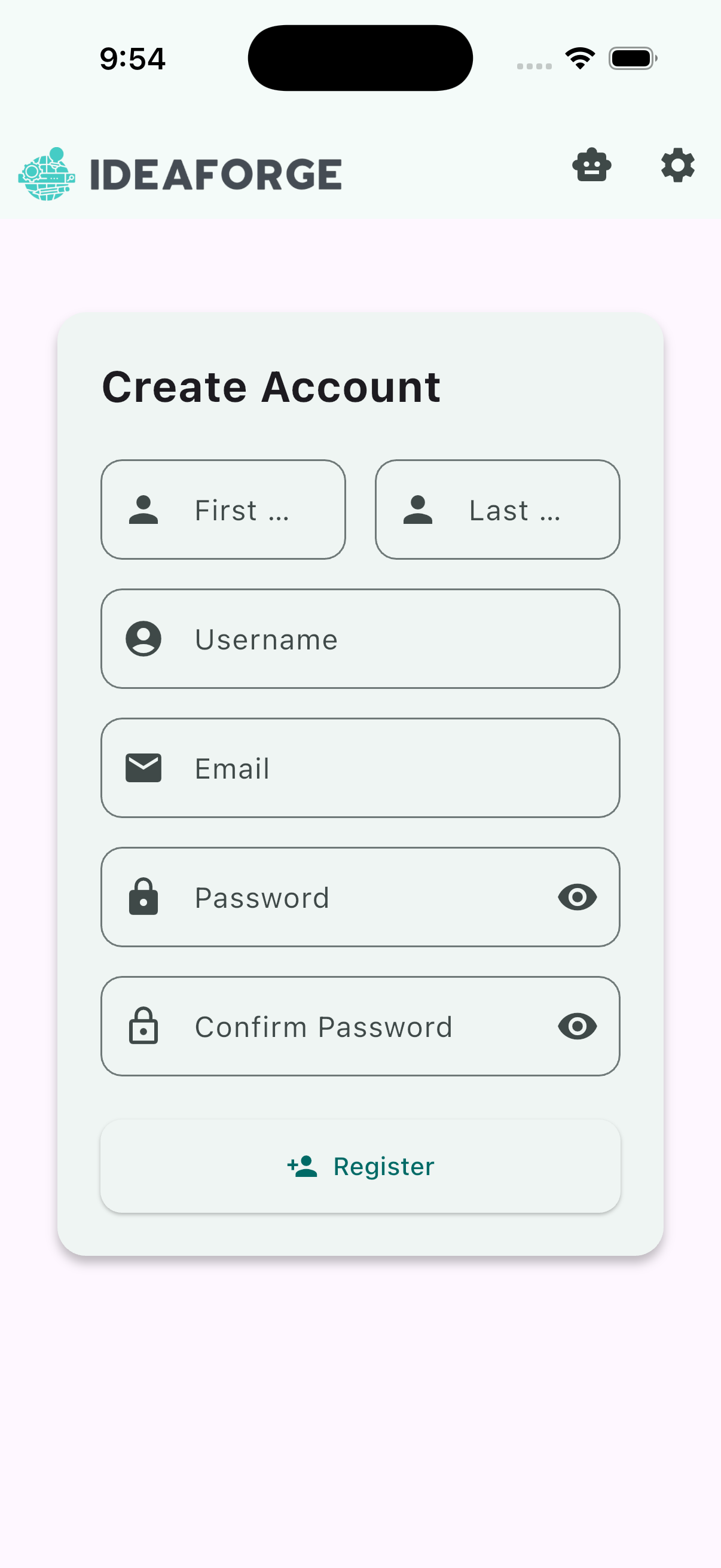
Tap Register on the login screen to create your account. Fill out the form with your email and a secure password, then submit to continue.
Verify your email
After registering, you’ll be taken to the email verification screen. A 6-digit verification code will be sent to your email address. Enter the code to verify your email and unlock all features.
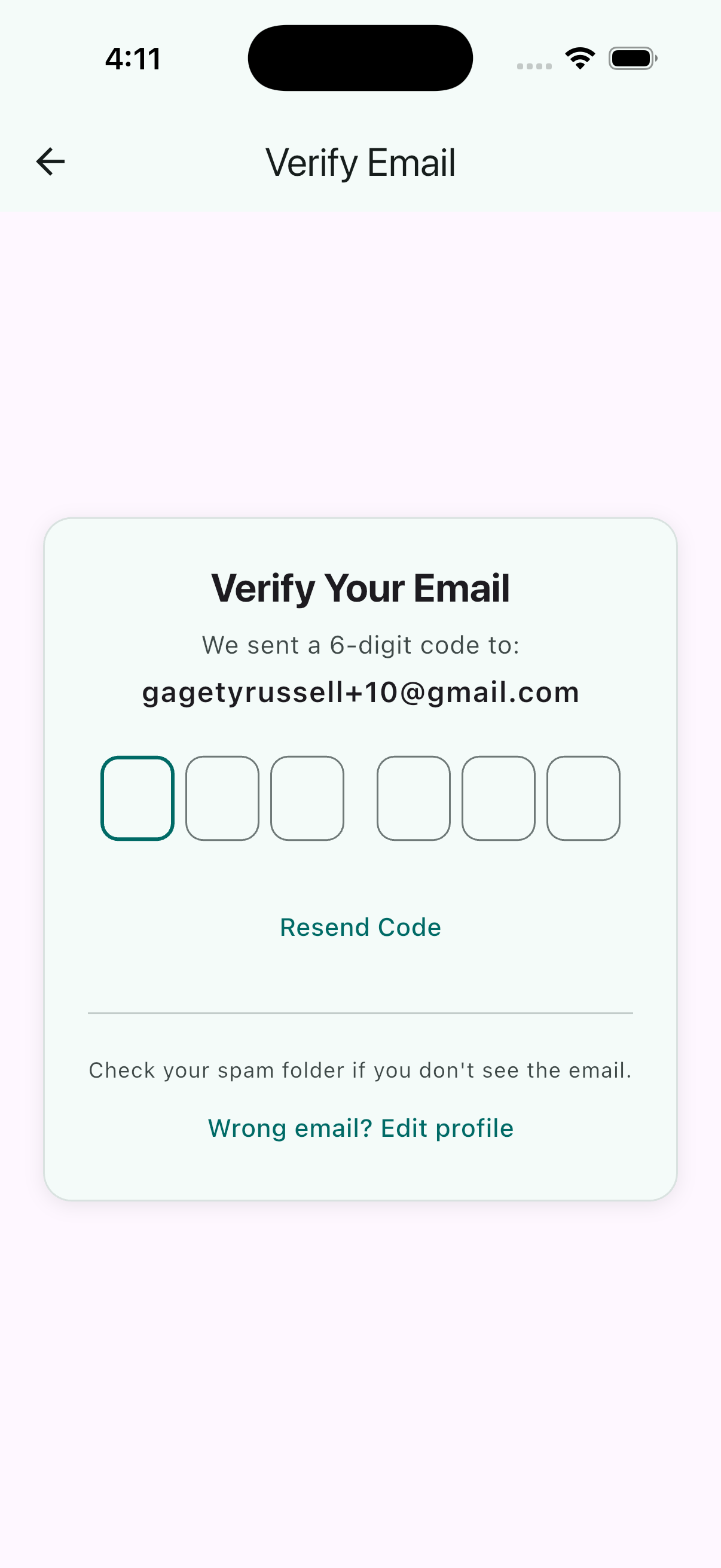
If you don’t see the email, check your spam or junk folder. The verification email is sent from DoNotReply@e.ideaforgetechnologies.com. You can tap “Resend Code” to request a new code if needed.
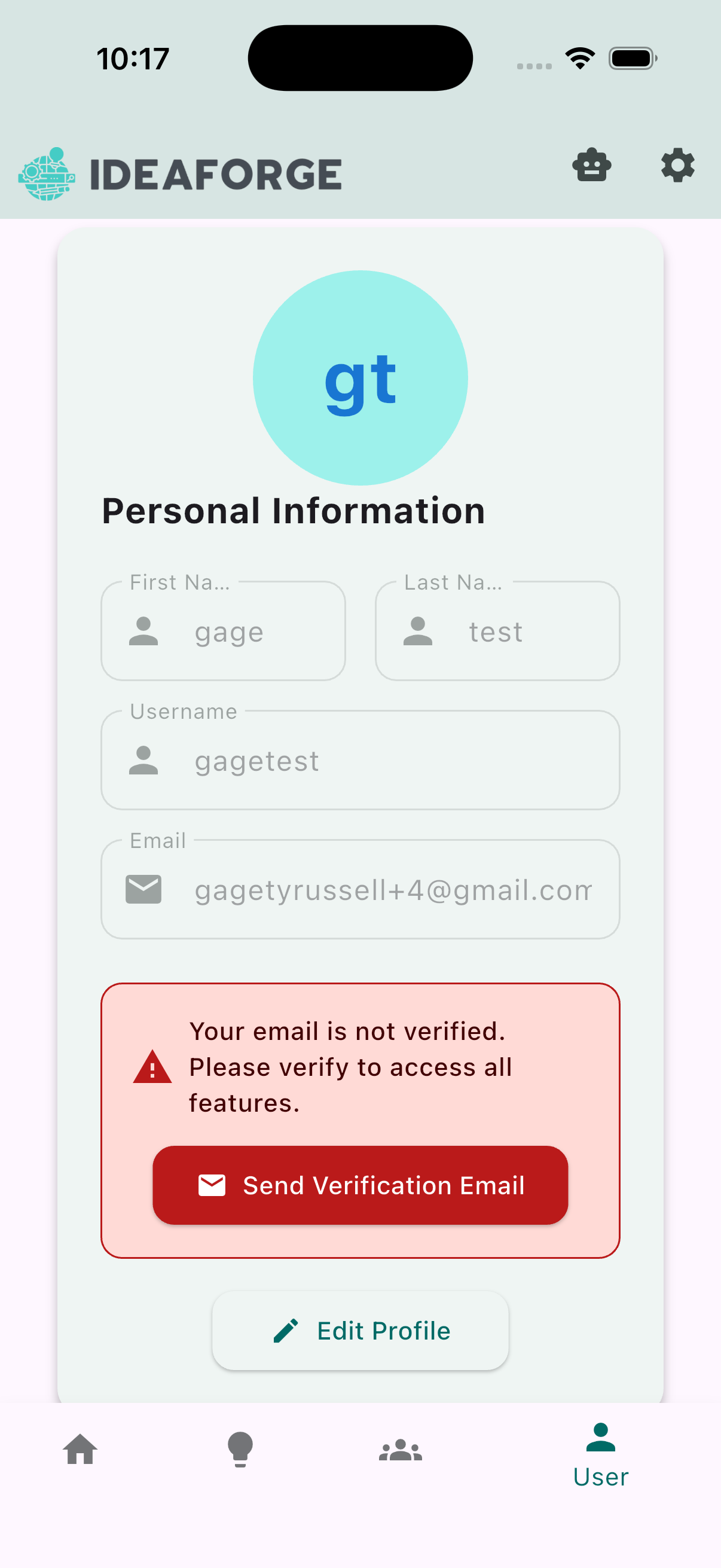
You can also find a reminder to verify your email in the User tab if you navigate away from the verification screen.
Reset your password
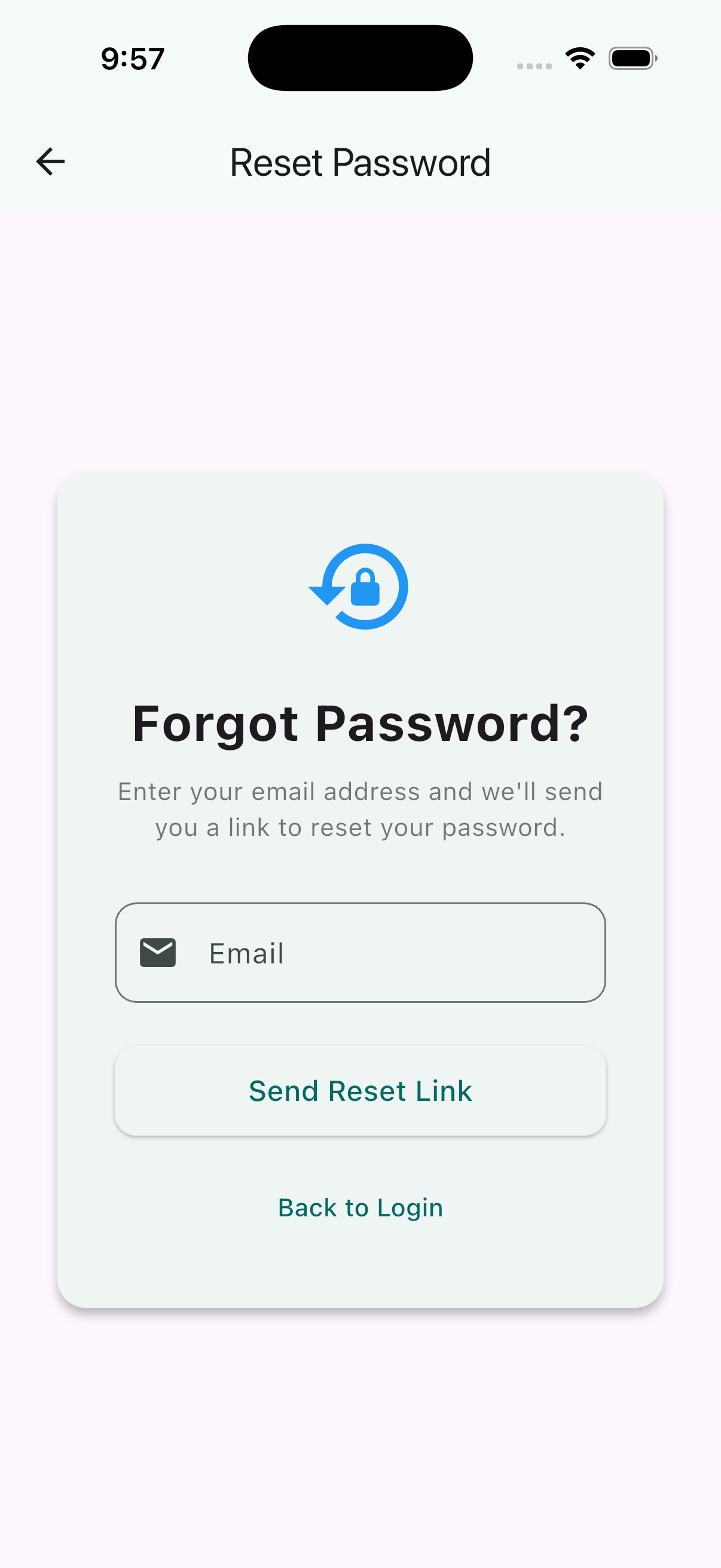
If you forget your password, tap Forgot Password on the login screen. Enter your email, then enter the 6-digit code sent to your inbox to set a new password.