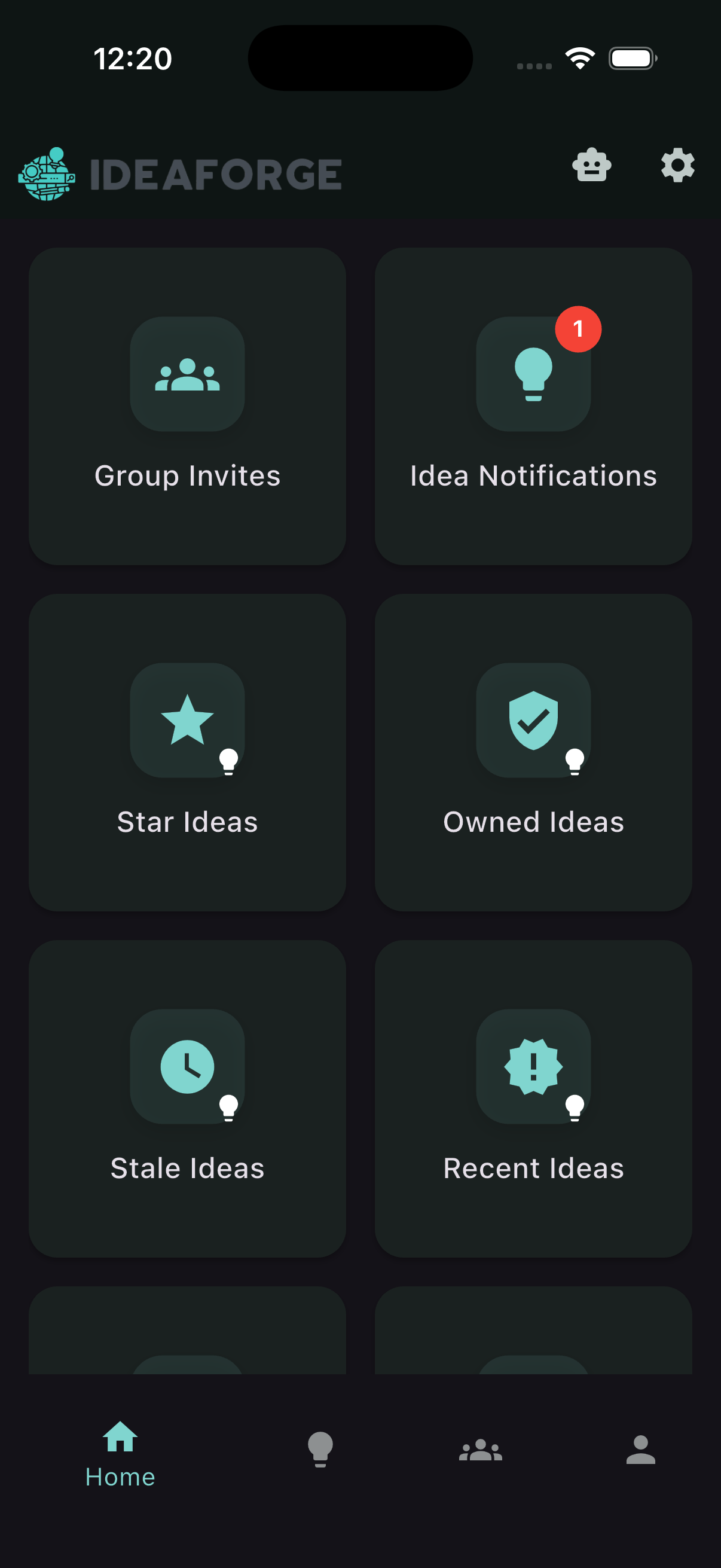
Ideas
Capture and share ideas, then collaborate with your groups.
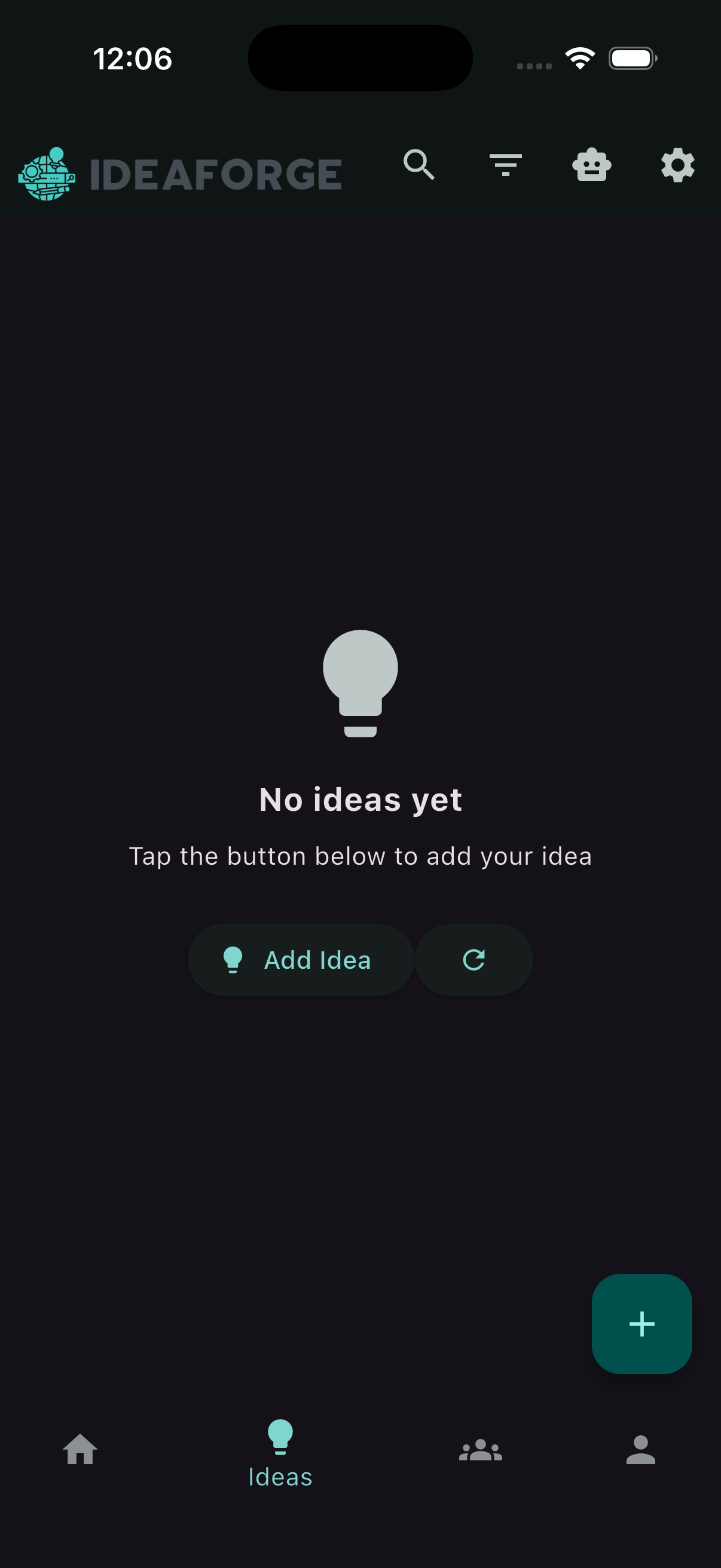
If you have no ideas yet
When you navigate to Ideas from the bottom navigation and you haven’t created any yet, you’ll see an empty state inviting you to capture your first idea.
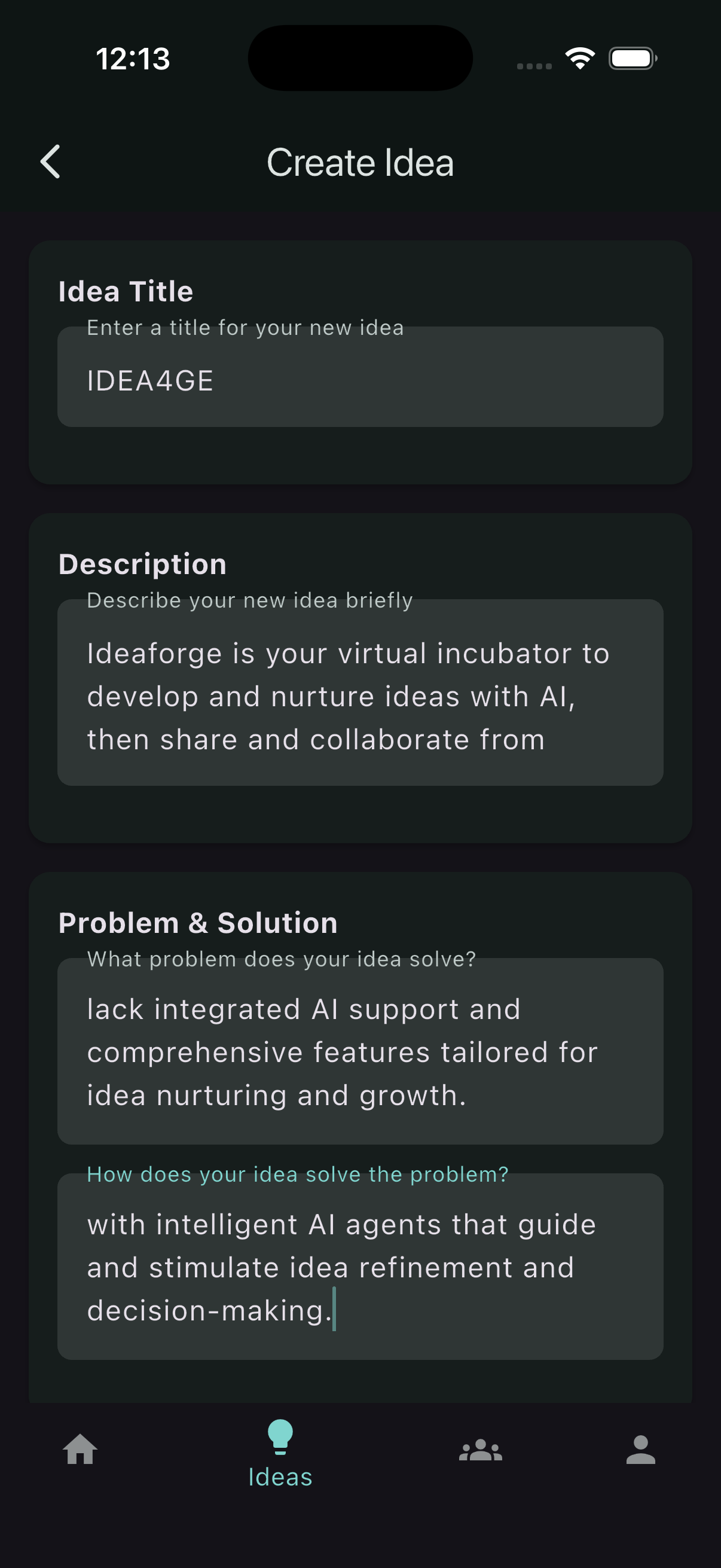
Create a new idea
Tap New idea to open the editor. Give your idea a clear title and jot down the core details. When you’re finished, save it to create the idea.
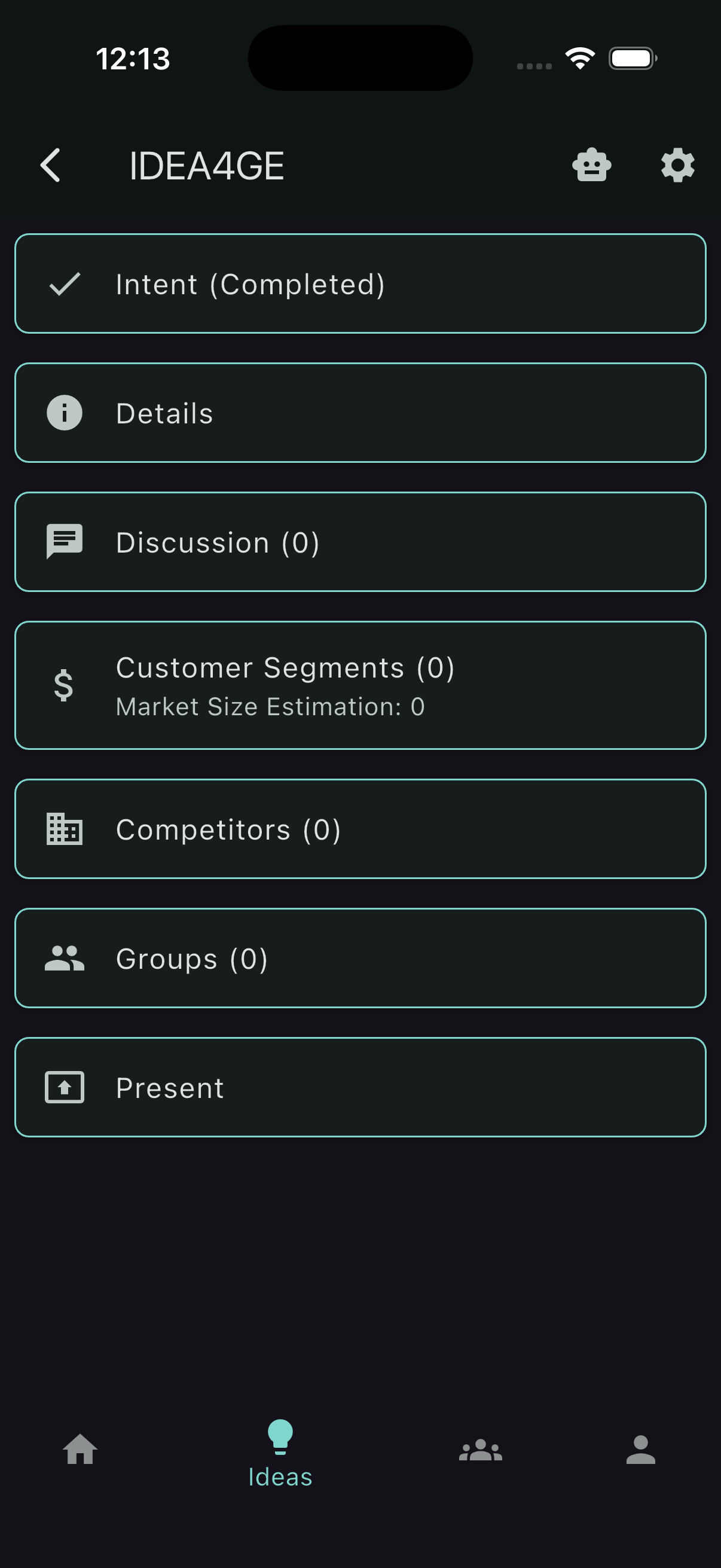
View an idea
After saving, you’re taken to the idea’s detail page. Here you can review or edit content, start a discussion, and decide how you’d like to share it.
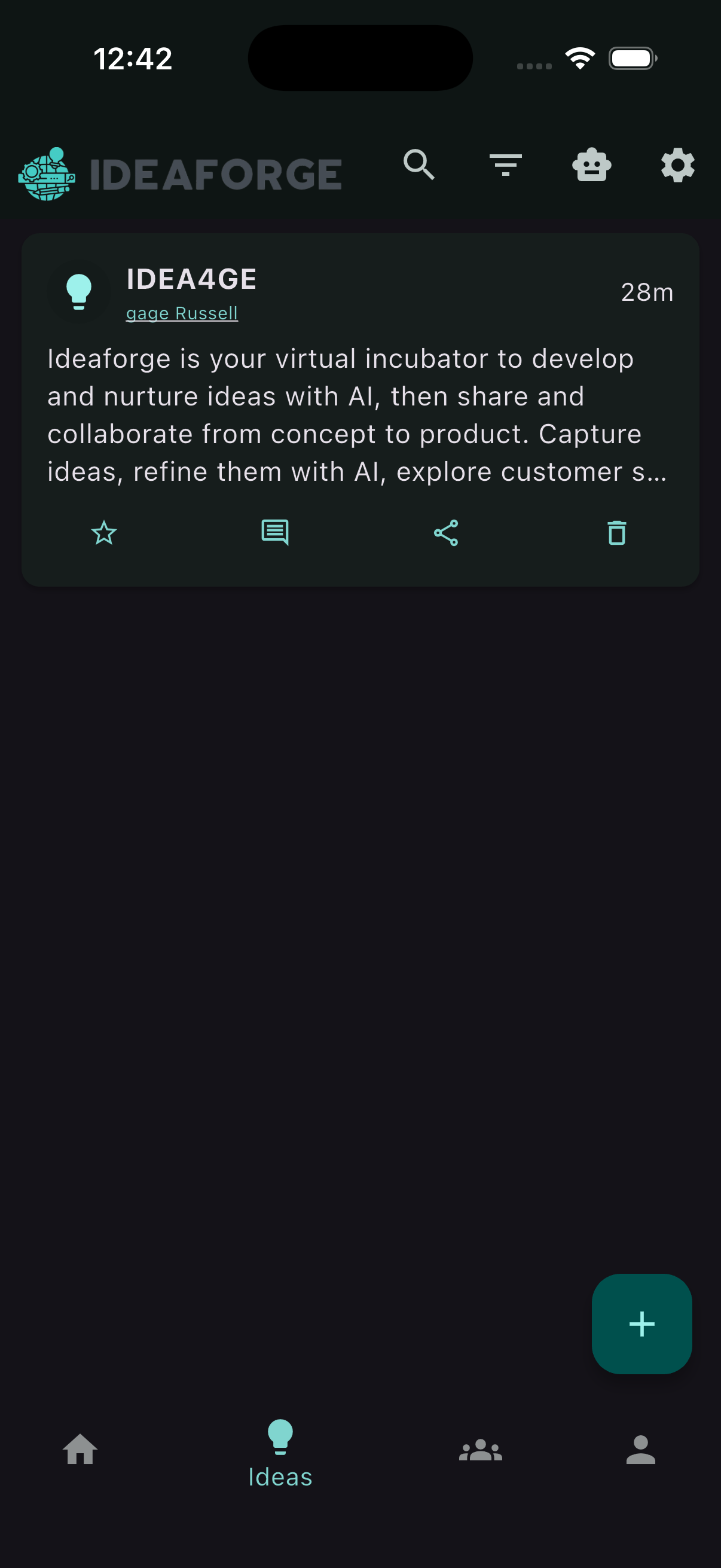
Overview: Ideas list
Use the back button or the bottom navigation to return to the Ideas list. Your newly created idea appears at the top so you can jump back in anytime.
Share an idea to a group
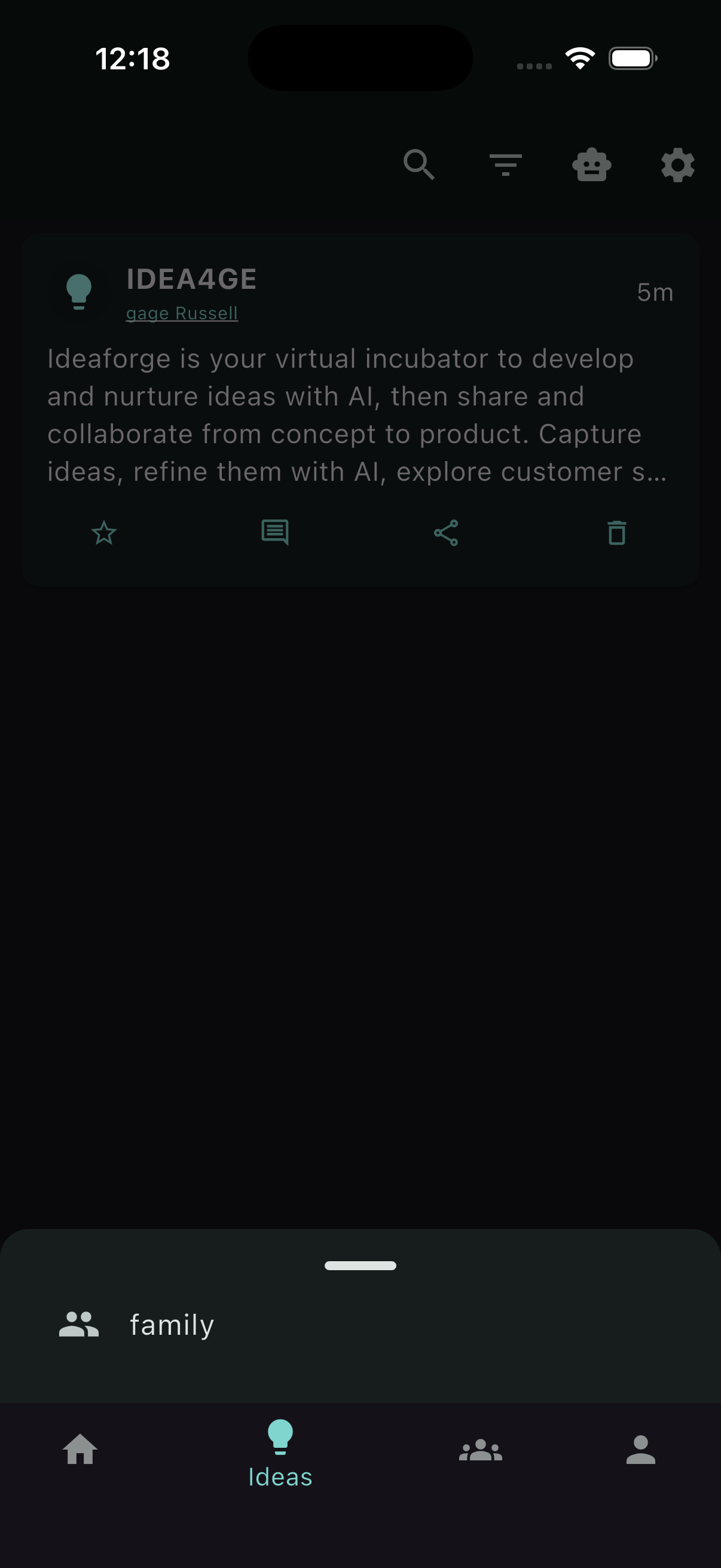
From the idea page, tap Share to group to choose a team and send your idea to them. This is the quickest way to collaborate with your group.
Idea notifications
When an idea is shared with your group, members get a notification in the app so they can read it and respond. Tap the notification to open the idea.