Edison (AI)
Use Edison to accelerate your work with agentic AI: generate ideas, research competitors, and explore customer segments.
Open Edison
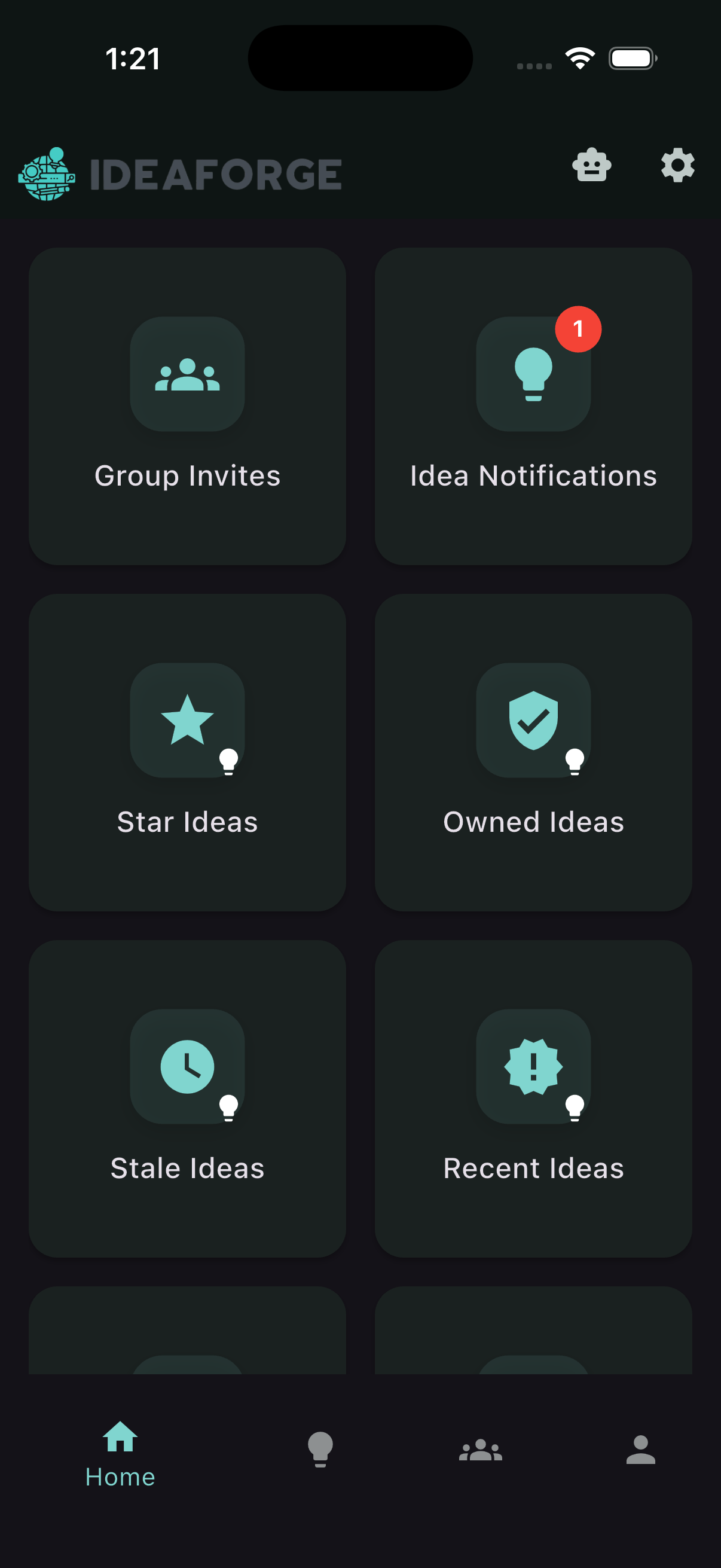
Tap the robot icon in the top‑right to open Edison.
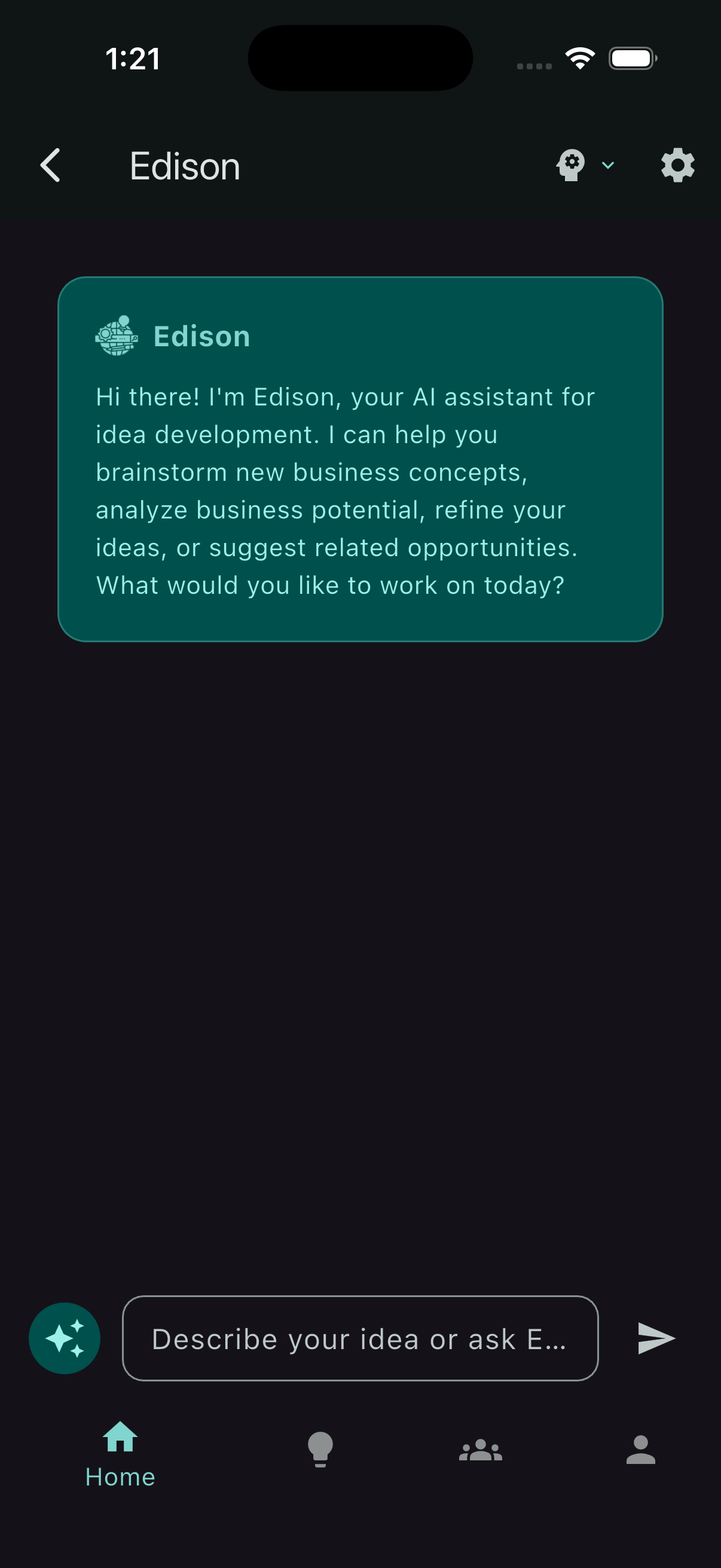
Overview: Edison workspace
The Edison workspace shows your current conversation, quick prompts, and tools to guide the agent.
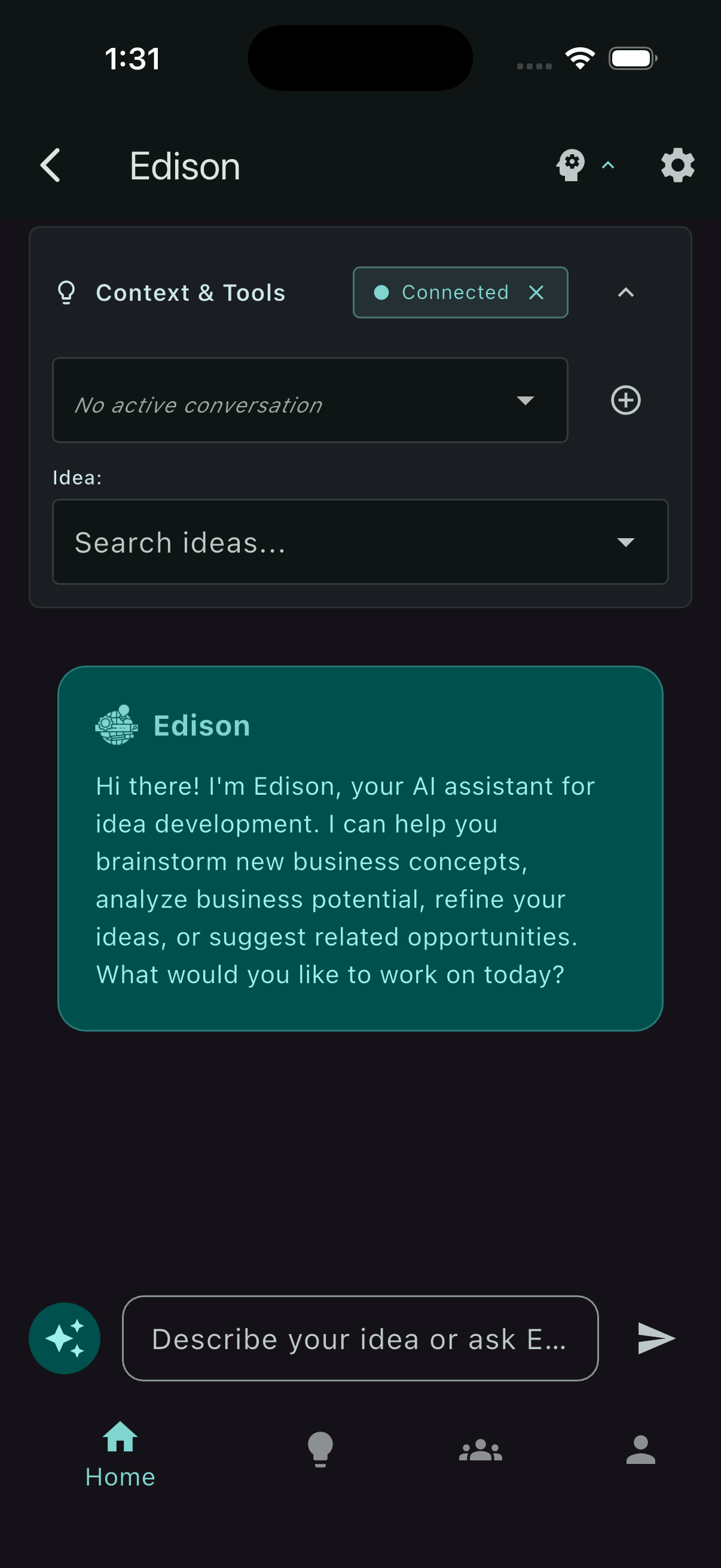
Open Context & Tools
Click the gearhead icon in the top‑right to expand the Context & Tools dropdown. Use it to attach context (like the current idea or group) and enable agent tools. Edison uses this to reason better and take actions with the right references.
Quick prompts
Open Quick Prompts by clicking the magic icon to the left of the text input at the bottom. Pick a prompt to jump‑start tasks like competitor research or customer segments.
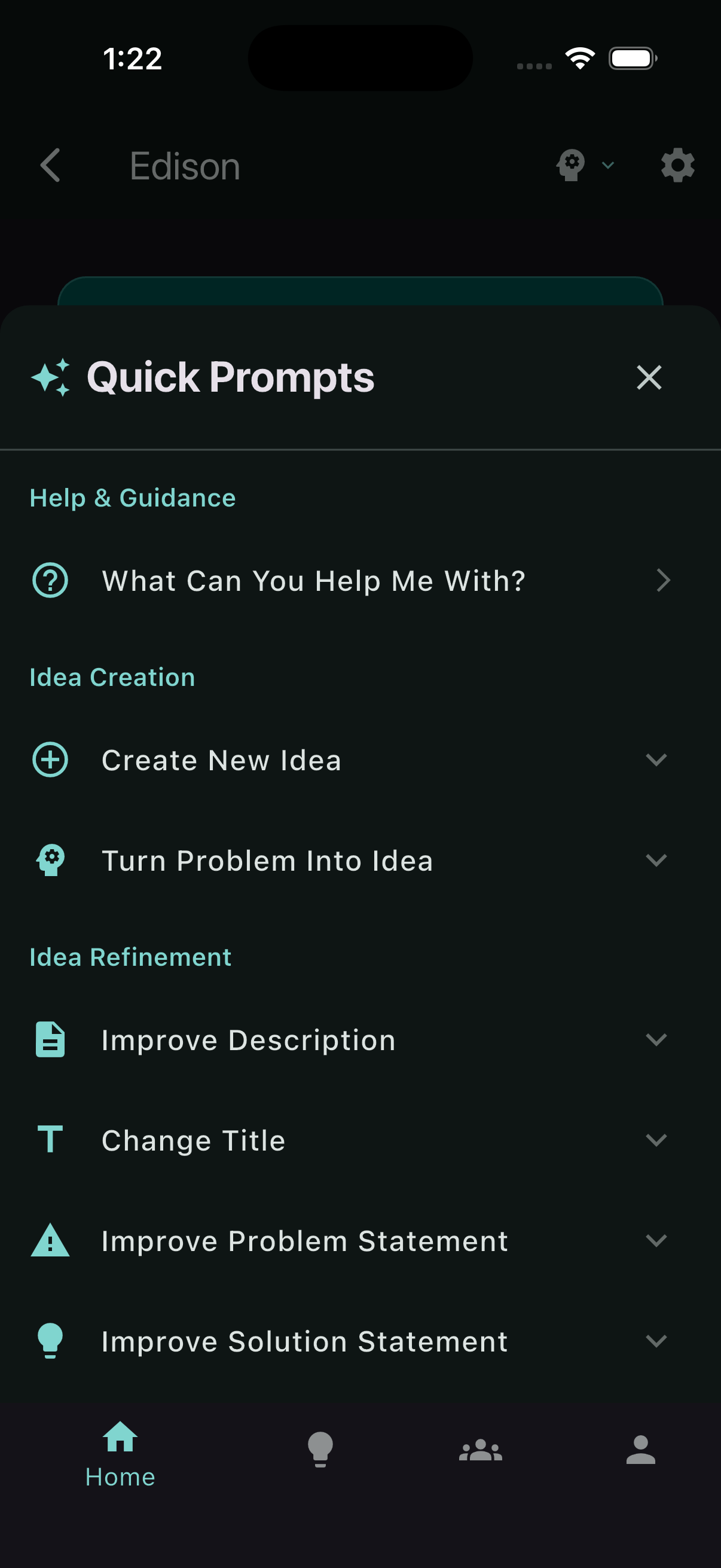
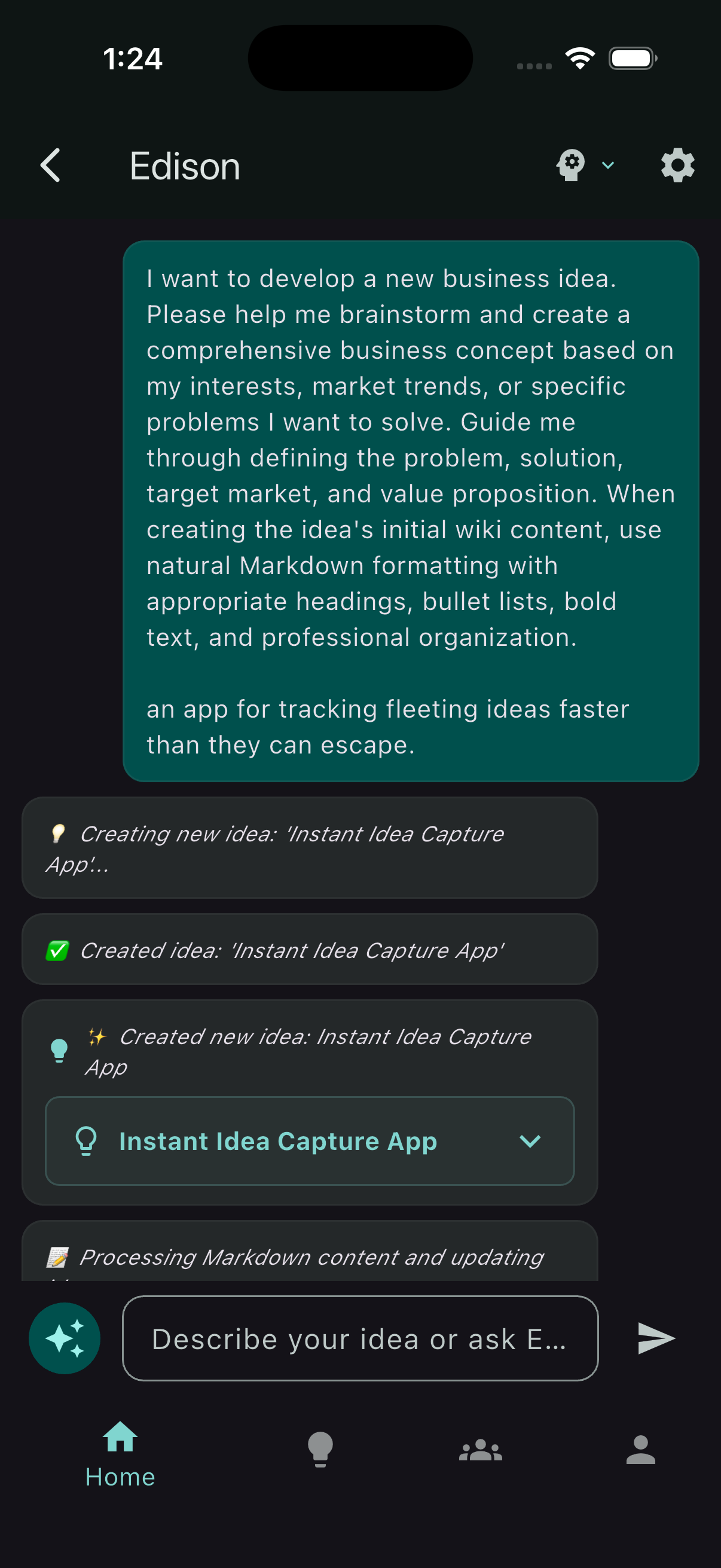
Generate an idea
Use the prompt field to ask Edison to draft a new idea. It will synthesize a clear title and summary, and you can refine from there.
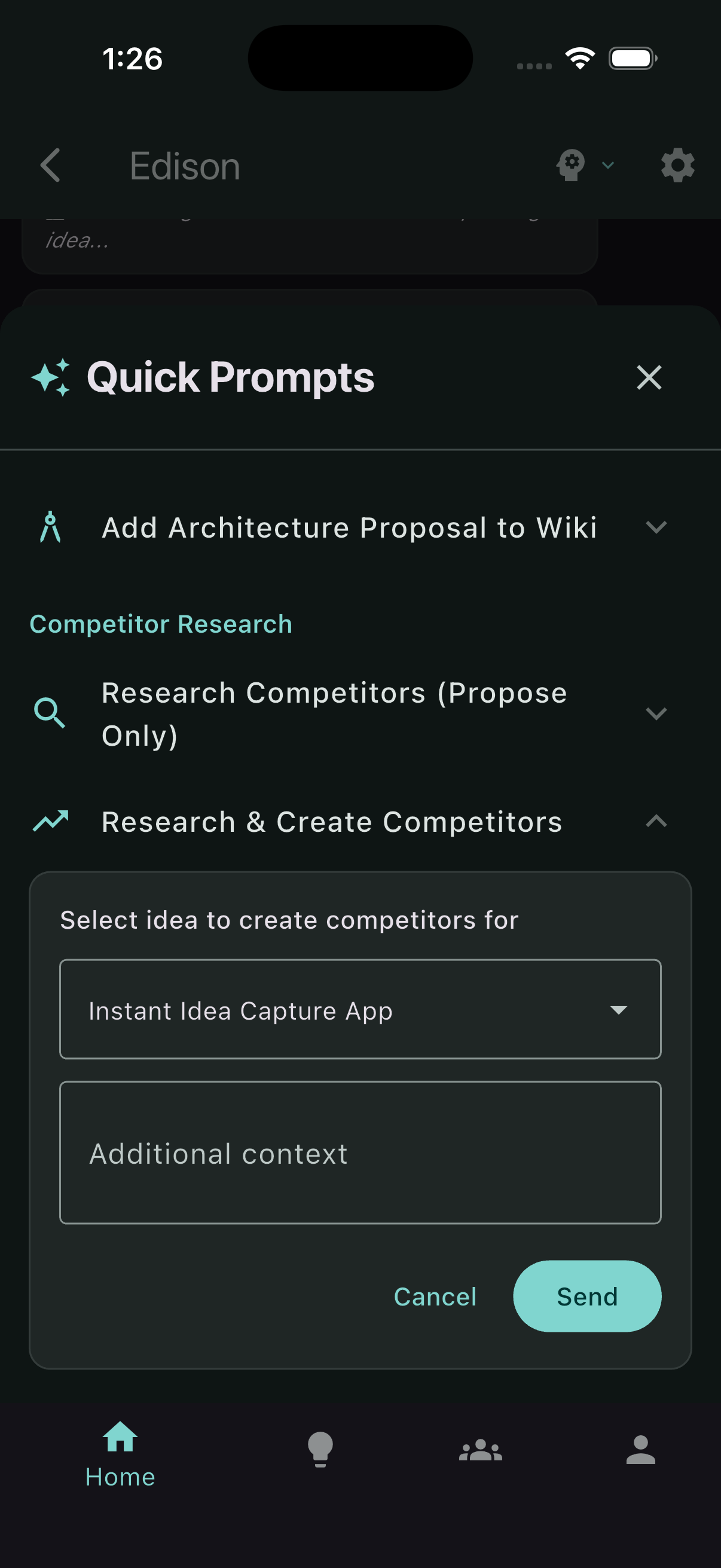
Research and create competitors — quick prompt
From Quick Prompts, choose “Research & create competitors.” Edison will draft competitor entries with references.
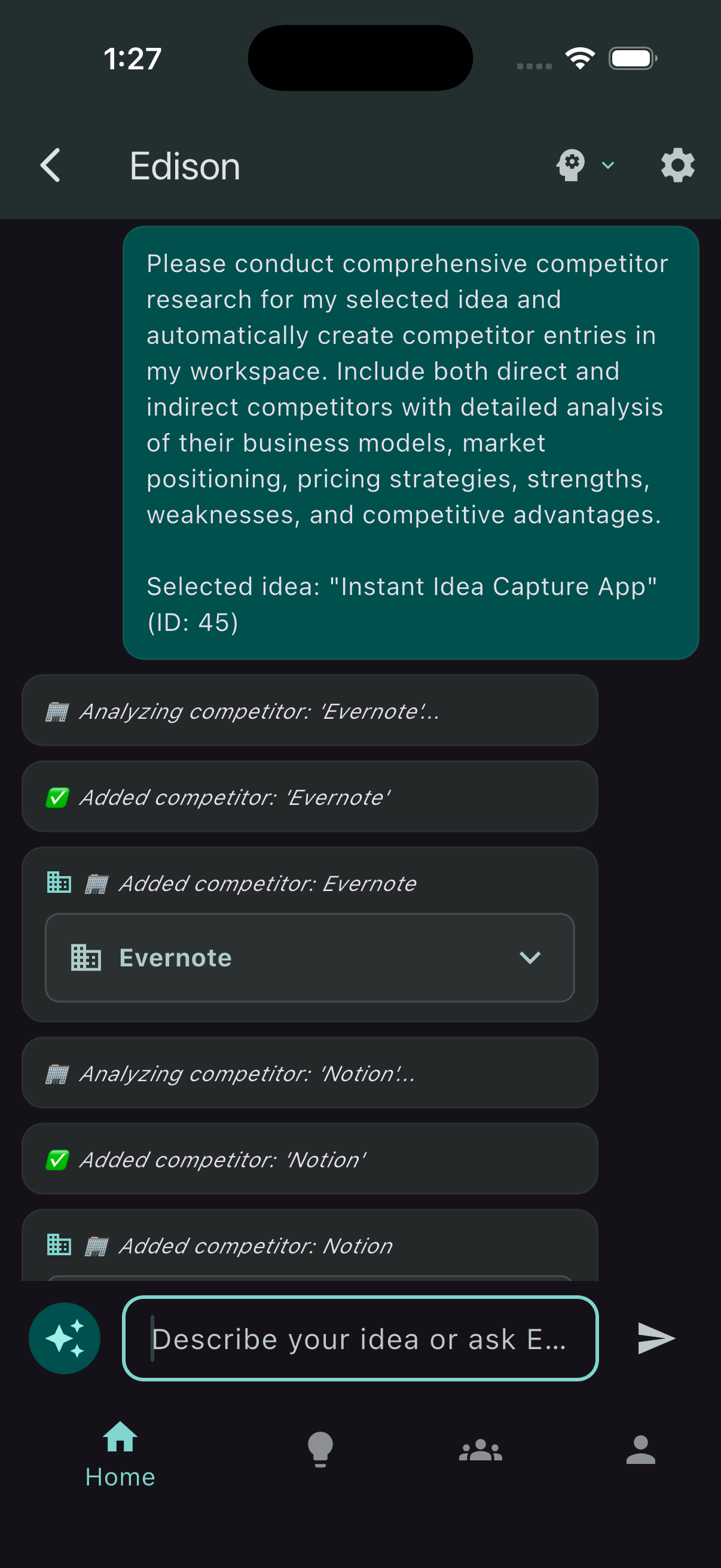
Research and create competitors — result
Edison creates competitor records and returns them with links. Anything produced by an agent tool call is linkable—open items to explore details and sources.
Research and create customer segments — quick prompt
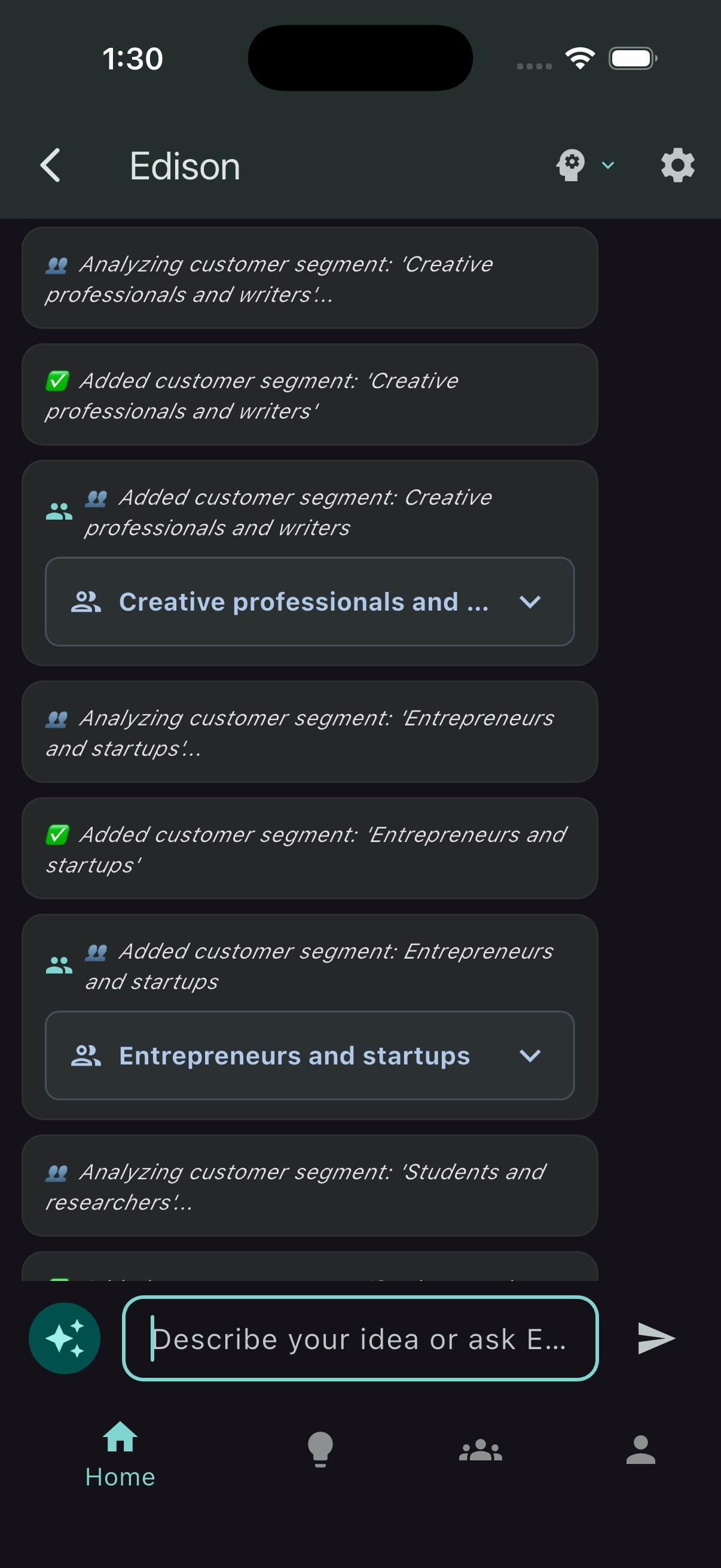
From Quick Prompts, choose “Research & create customer segments” to generate segments tailored to your idea.
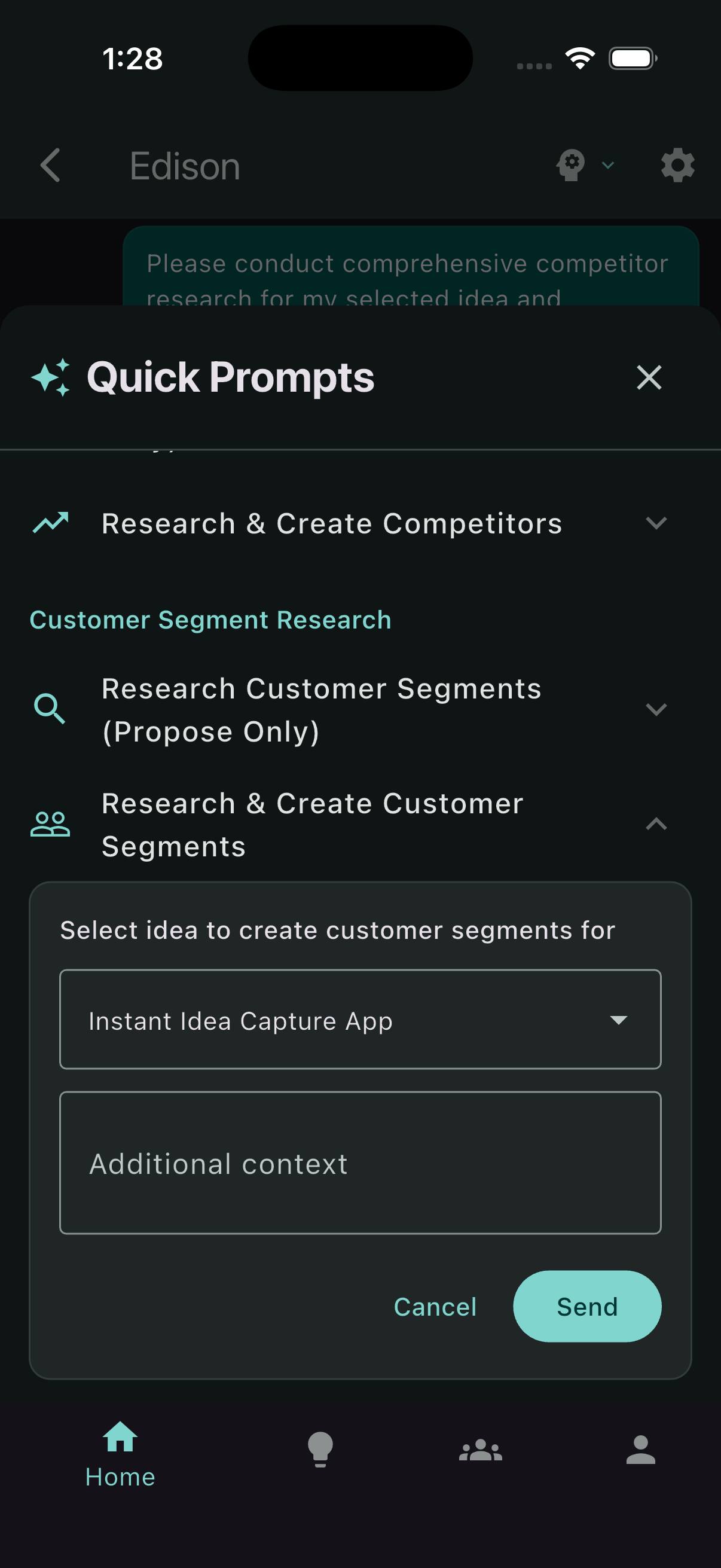
Research and create customer segments — message
Review or tweak the filled prompt in the input box, then send the message to run the task.
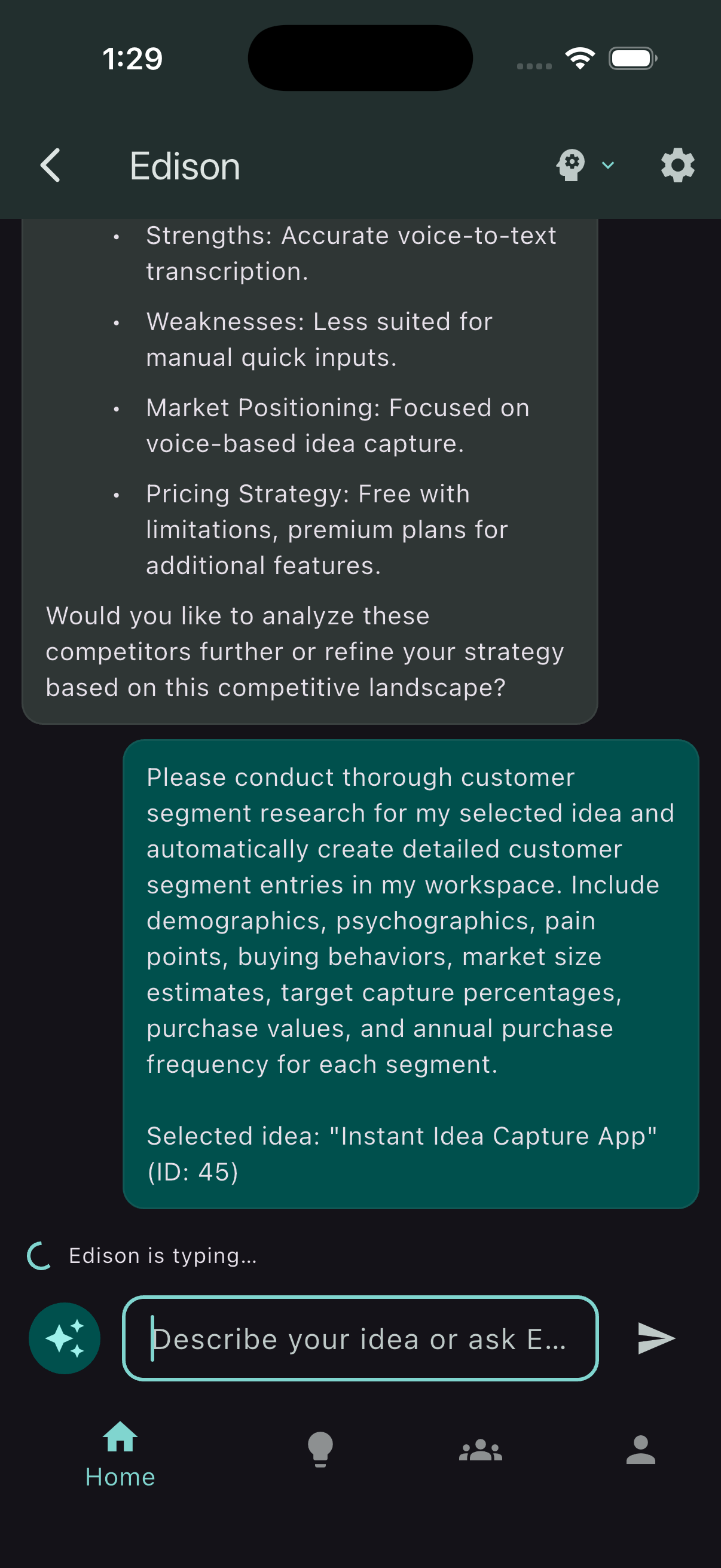
Research and create customer segments — response
Review Edison’s response for segment definitions and next steps. You can refine or ask follow‑ups.