Account
Use Settings to review your account details, manage security, and—if needed—delete your account. The steps below walk you through the flow end to end.
Open Settings
From the app, tap the gear icon to open Settings. This is the central place to manage your preferences and account.
Settings
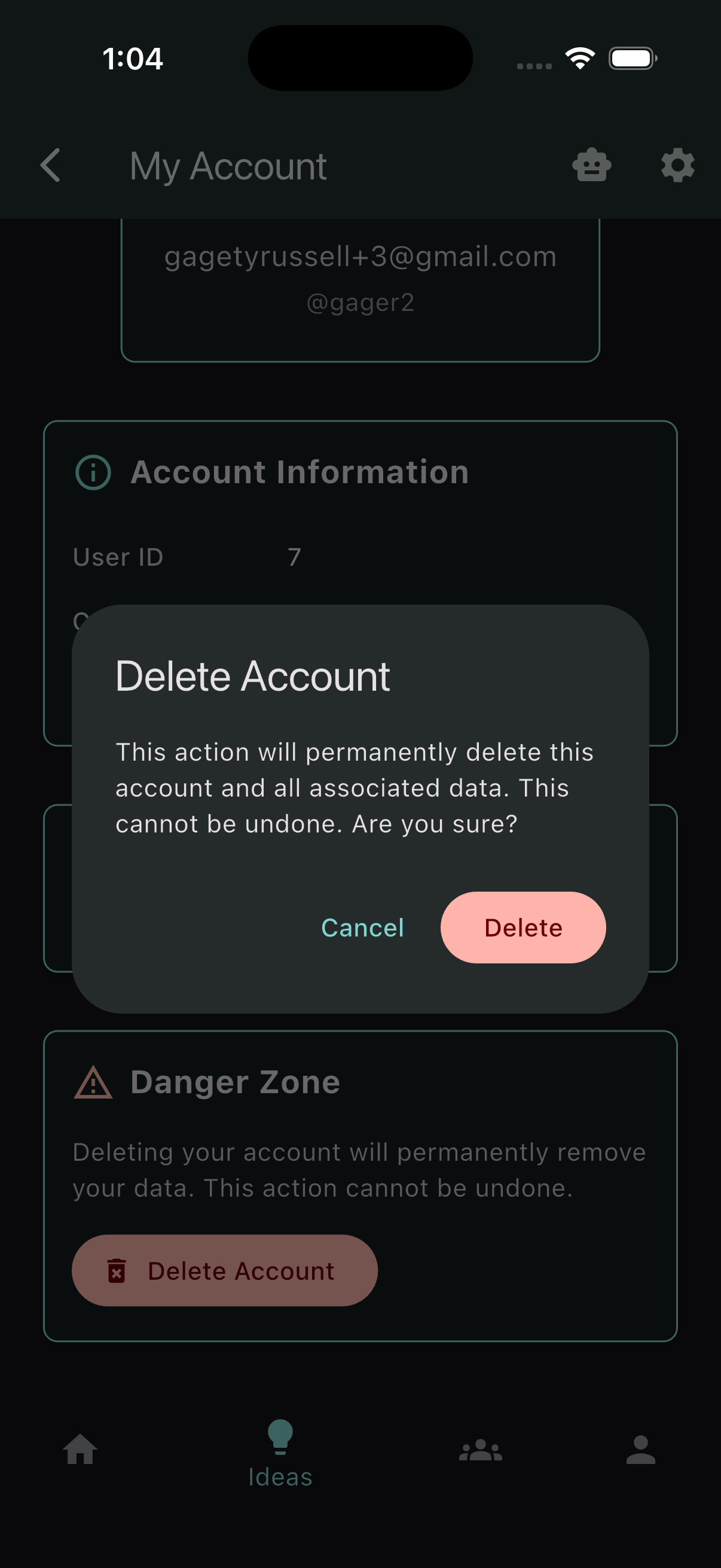
On the Settings screen, look for the Account tile. Open it to view your account details and actions.
Open Account
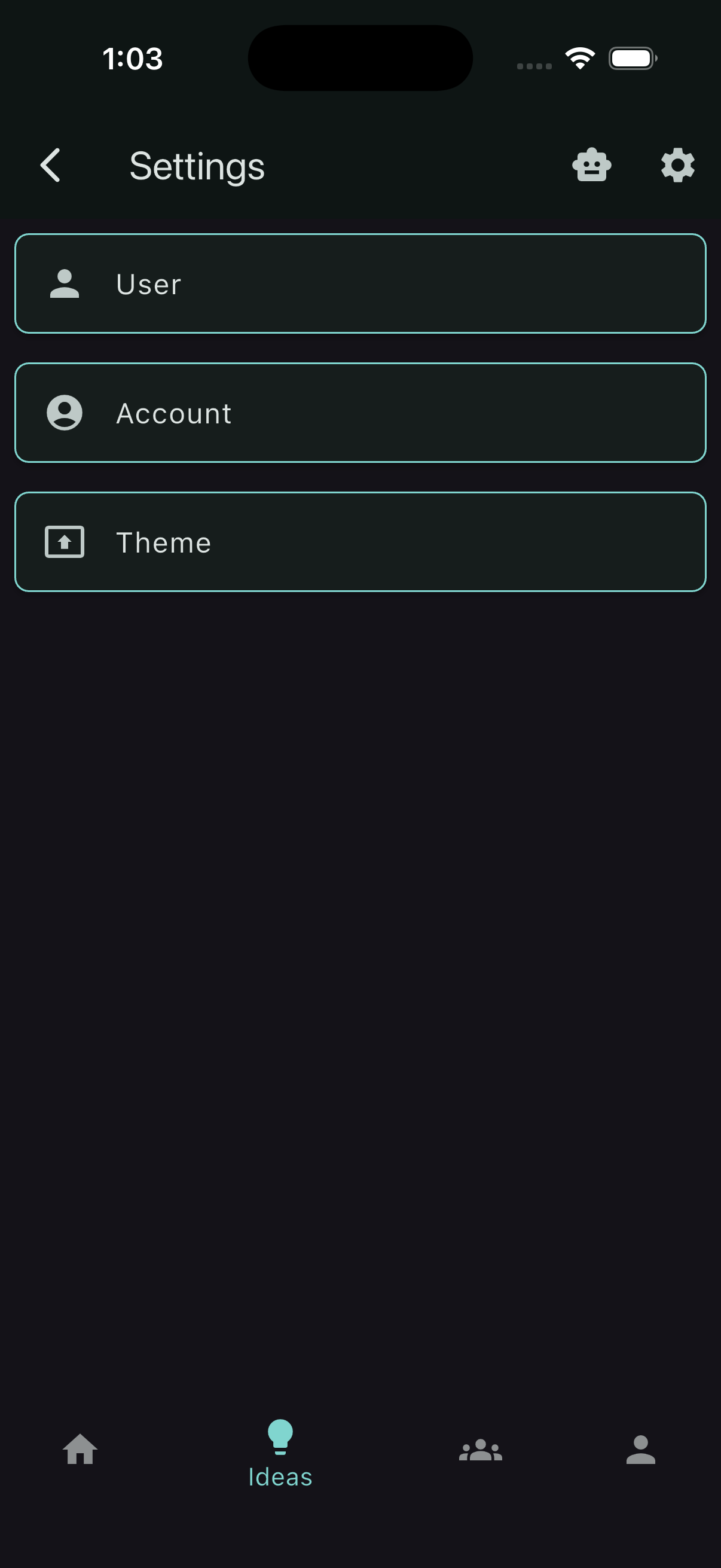
Tap Account to see information related to your profile and security. Advanced actions live here as well.
Delete your account
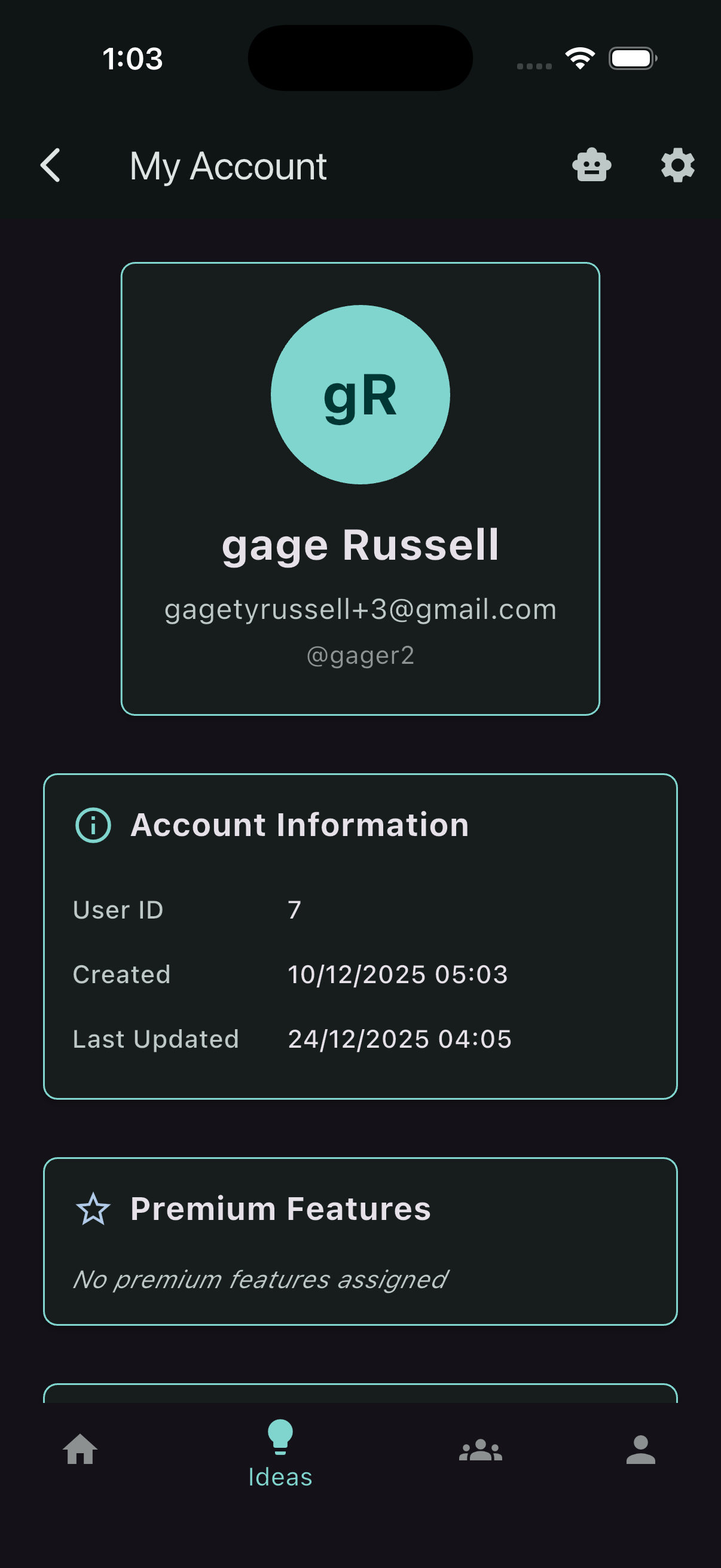
At the bottom of the Account screen, there’s a section for permanent, irreversible actions. If you decide to delete your account, review the warning carefully—your data will be removed and you’ll be signed out.
Confirm deletion
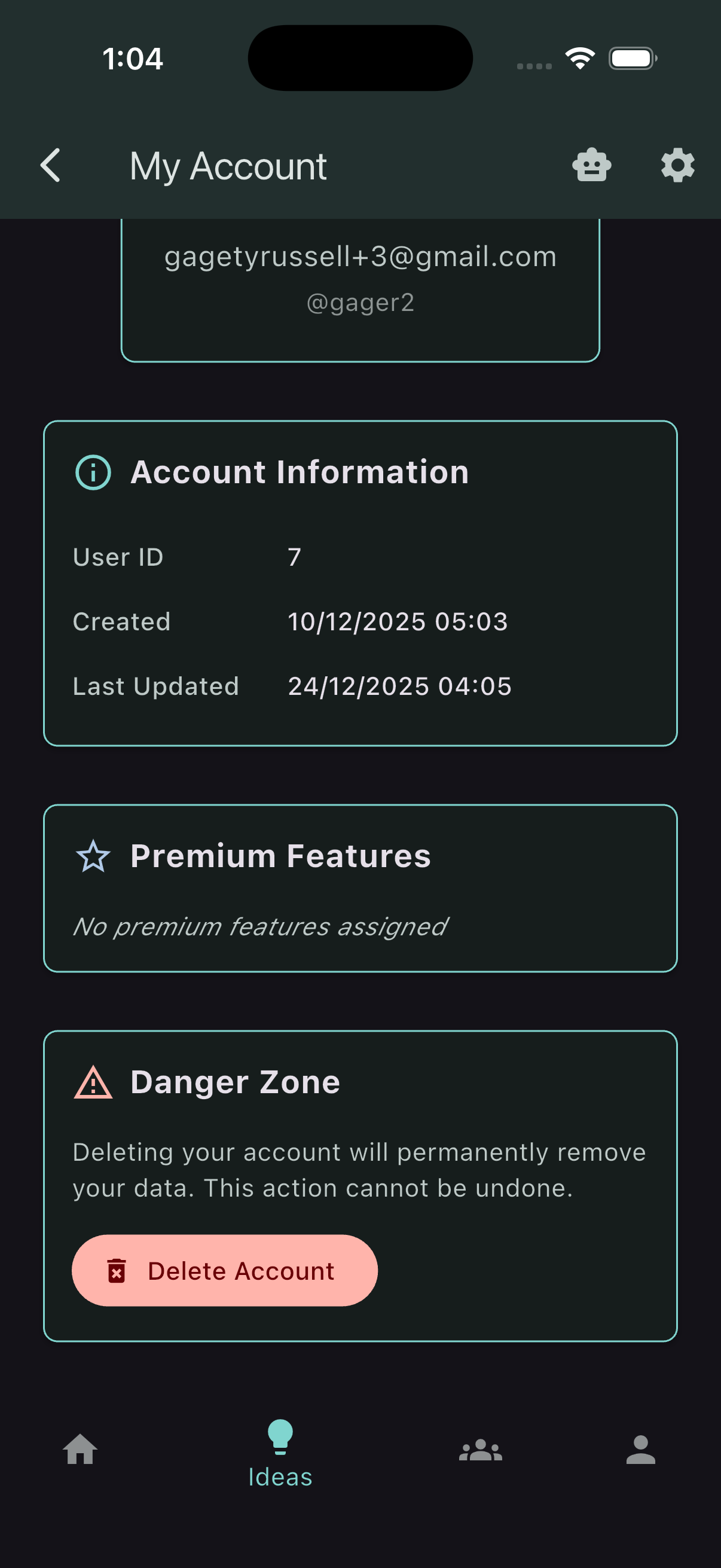
When prompted, confirm the deletion to complete the process. This cannot be undone. If you simply need a break, consider signing out instead.